Cloud Hosting
1. What Is Cloud Hosting and How Does It Work?
Cloud hosting is a type of web hosting that runs your website across a network of interconnected servers instead of relying on a single machine, giving you stability, speed, and scalability that traditional hosting simply can’t match.
In recent years, cloud hosting has become the standard infrastructure of choice for large businesses and active online stores, thanks to its ability to absorb sudden traffic spikes without affecting site speed or uptime.
How Cloud Hosting Works
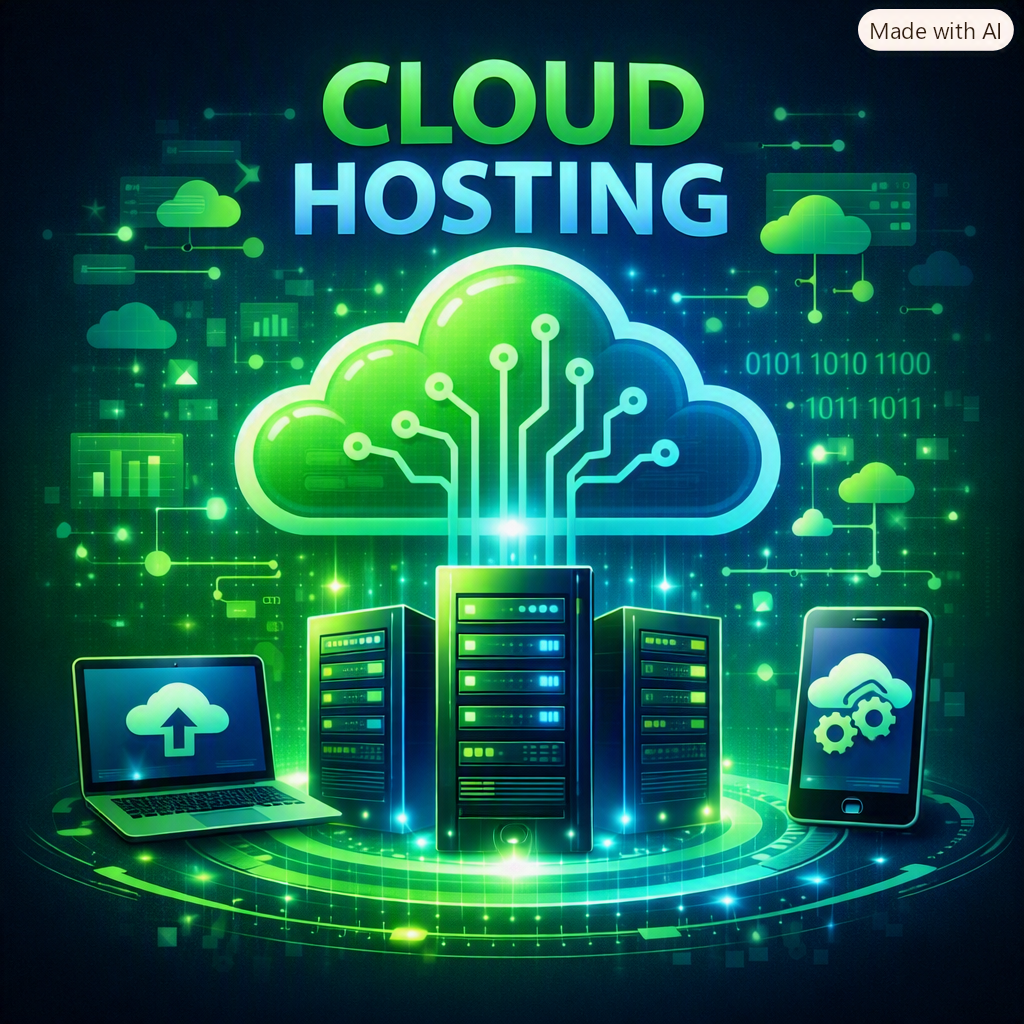
Cloud hosting relies on cloud computing technology, where resources (processing power, storage, memory) are pooled from multiple physical servers and run as a single virtual unit. Your site doesn’t depend on one machine — it draws on a network of resources available on demand.
for More Details Please Contact Us
When demand on your site increases, the system automatically distributes the load across several servers in the cloud network, so visitors don’t experience any slowdown even during a sudden traffic surge. If one physical server fails, your data automatically shifts to another server in the same network with virtually no noticeable downtime.
Key Benefits of Cloud Hosting
- High stability with no downtime, even if one server fails
- Instant scalability of resources based on traffic
- High performance and fast response times during peak hours
- Pay only for the resources you actually use
- Advanced security layers and automatic backups
- Choice of data center location closest to your target audience for lower latency
Cloud Hosting vs Shared Hosting
Shared hosting relies on a single server whose resources are split among dozens of other websites, while cloud hosting spreads your site across multiple servers — reducing downtime risk and significantly boosting performance, especially during sudden traffic spikes.
In terms of cost, shared hosting is cheaper upfront, but it quickly becomes insufficient as your site grows. Cloud hosting, on the other hand, lets you scale gradually without migrating to an entirely new plan or provider.
Practical Tips Before Moving to the Cloud
- Assess your current and expected traffic volume before choosing a plan
- Make sure the provider supports caching and CDN integration
- Ask about the backup policy and how many backup copies are retained
- Compare fixed-rate plans vs pay-as-you-go plans to find what fits your budget
Frequently Asked Questions (FAQ)